MCP Servers: Explained for Humans
A plain-English explanation of MCP servers, the plugins that let Claude read your email, check your calendar, and do real work for you.
Every morning Claude puts together a little newspaper for me: the weather, my to-do list, important emails, upcoming bills, all pulled from a dozen different tools. That’s MCP at work. There’s plenty of guides on MCP for very technical people or developers, but MCP is a way that an AI tool like Claude or Codex can talk to another service like email, a design tool, a video editor, and perform actions.
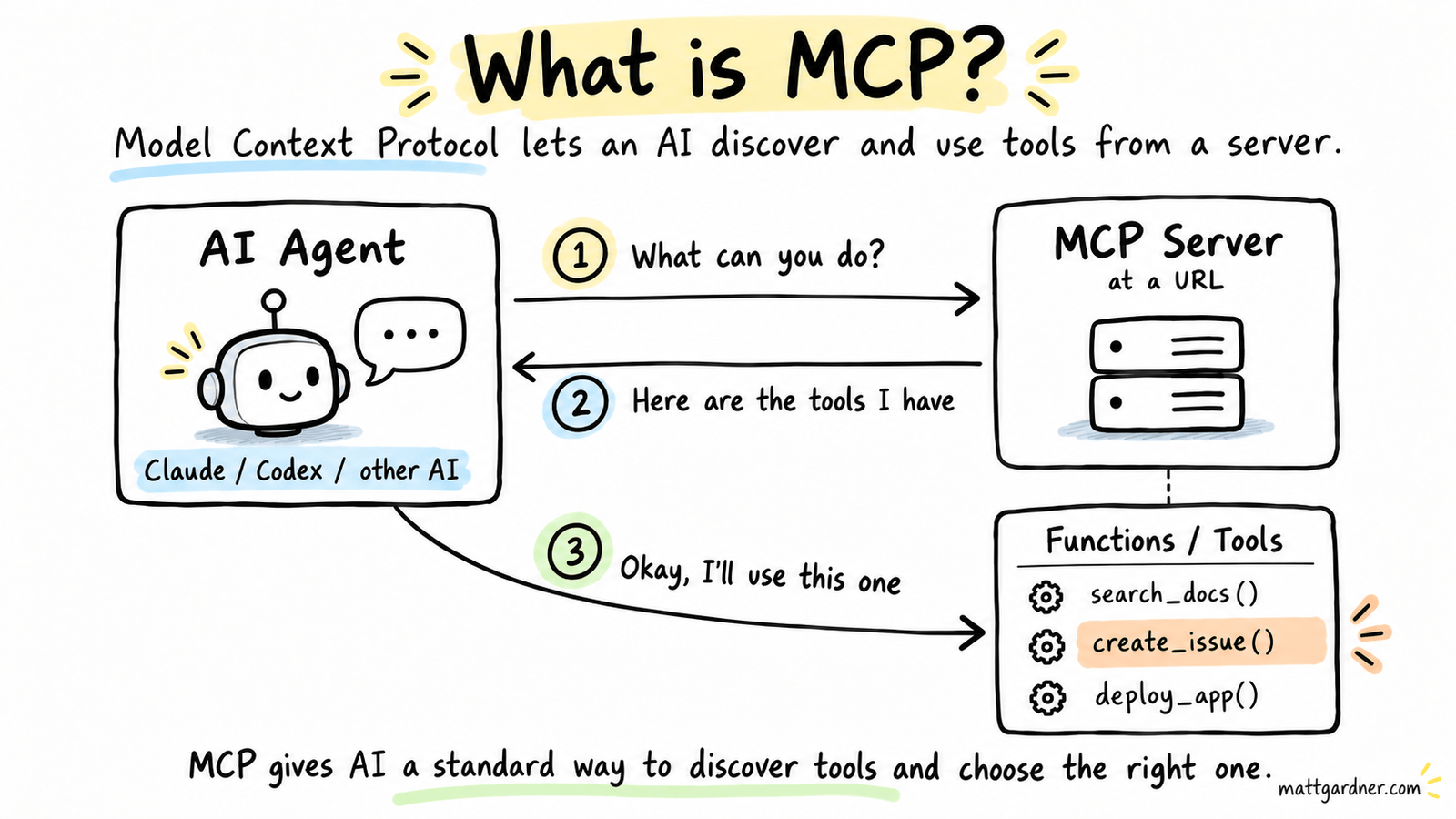
The way MCP servers work is you will do something like go to Claude and you’ll connect an MCP server. These are often called connectors, but just think of them as plugins. It adds functionality to Claude so it can talk to something on your behalf. So for example, you can add a connector to your email and it could do things like draft a message, read your mail triage your email so it surfaces things up that matter or lets you know And then you can just ask it questions, so you can say, hey, what emails did I get in the last 24 hours that are bills?, and Claude will know what a bill is and it will use the MCP server to connect to your email and make that happen.
So the way that these work is an MCP server exposes an endpoint. In other words, when you connect to an MCP server like your email, it will tell Claude, here are the capabilities that I have. I have read email, I have search email, I have archive email, and I have compose email. So then what Claude does is it makes the decision based on what you’re asking it to do, which one of these things do I use to accomplish what I’ve been asked to do. So if Claude’s asked to find all the bills from the last 24 hours, it’ll probably use the search tool, since that’s how it finds things, and type in “bill” or a dollar sign or something that might return what a bill looks like. And then Claude might be smart and do some more processing and say, yeah, this has a dollar sign in it, but it doesn’t actually look like a bill. Maybe this is a receipt, or maybe this is a typo, or something.
Lots of things are adding MCP support. It stands for Model Context Protocol, which is a mouthful, but it’s basically the service telling Claude or Codex, “you can talk to me.” I will tell it the capabilities it has access to and I will handle the communication between that service and your AI tool like Claude.
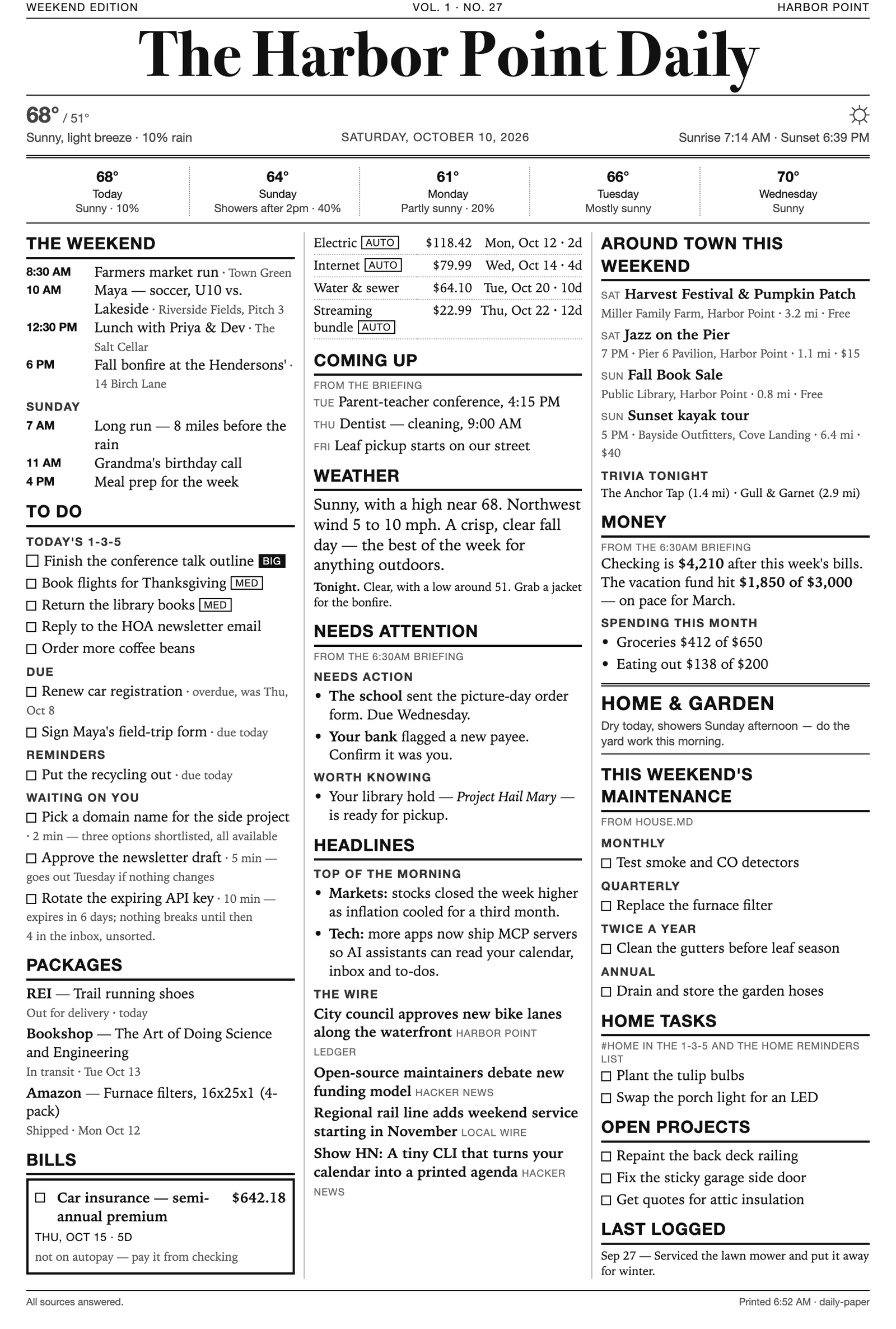 This newspaper is compiled together by Claude. It uses multiple MCP servers including email, weather, news, bills, etc.
I lean on MCP servers constantly, and plenty of the products I build come with MCP built in, so a lot of routine work is just me telling Claude what to do. Email is the obvious one. Filters and notifications exist, but I can also say, “Hey Claude, every hour look through my new email and tell me what’s important. I care about bills, past-due notices, requests, family stuff, and anything important for school or work.” Where it gets fun is connecting multiple MCP tools so they work as one routine. An important email can go into my personal CRM, ping me with a notification, and get added to my to-do list, right at the top if it’s a big deal. Claude can also draft a reply and nudge me to review it, or just save it for my daily summary. On top of that, I have a tool that makes me a daily newspaper out of a dozen or so MCP tools. It covers the weather, my to-do list, important emails, and upcoming bills, pulling from my financial institutions, my email account, my personal CRM, and my calendar, along with the top headlines in the country and in my area. I’m prepared before the day starts, and I didn’t have to check 12 different sources. Claude talks to those MCP servers and puts it all in one place.
-Matt
I hope this brings some clarity to the term “MCP”. I’d love to know how you’re using MCP or what you’d use it for. There are a ton of connectors out there!
Related posts
Backup Internet Saved My Week
How I added a T-Mobile 5G backup to my UniFi Dream Machine for $20 a month after almost a week of Verizon outages.
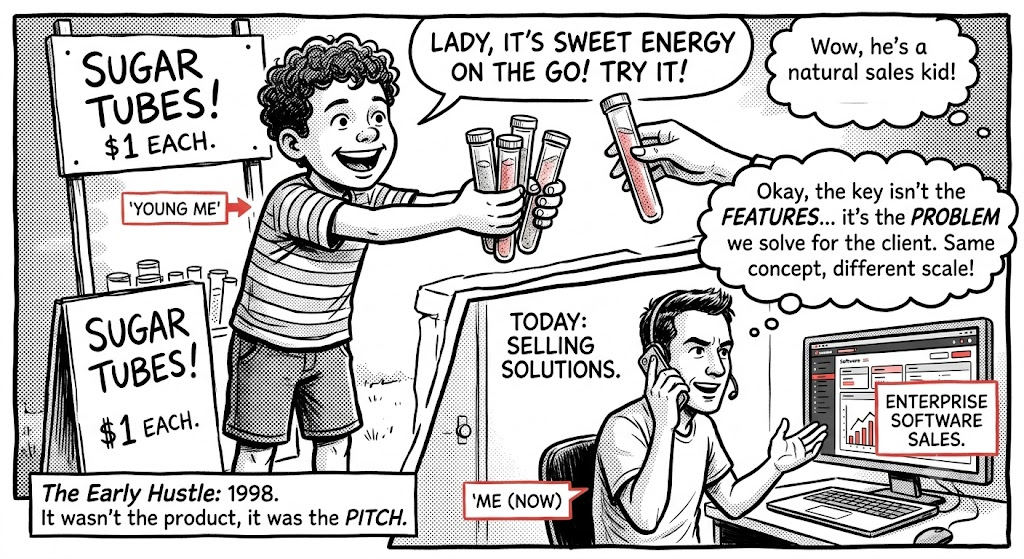
This is not for you
What selling candy door to door taught me about selling software.
Six Years. One Meeting. Then, Poof
Six years building developer experience at 8x8 ended in one meeting. Here's the story of how I got there, what I built, and what I learned along the way.